
Your clients
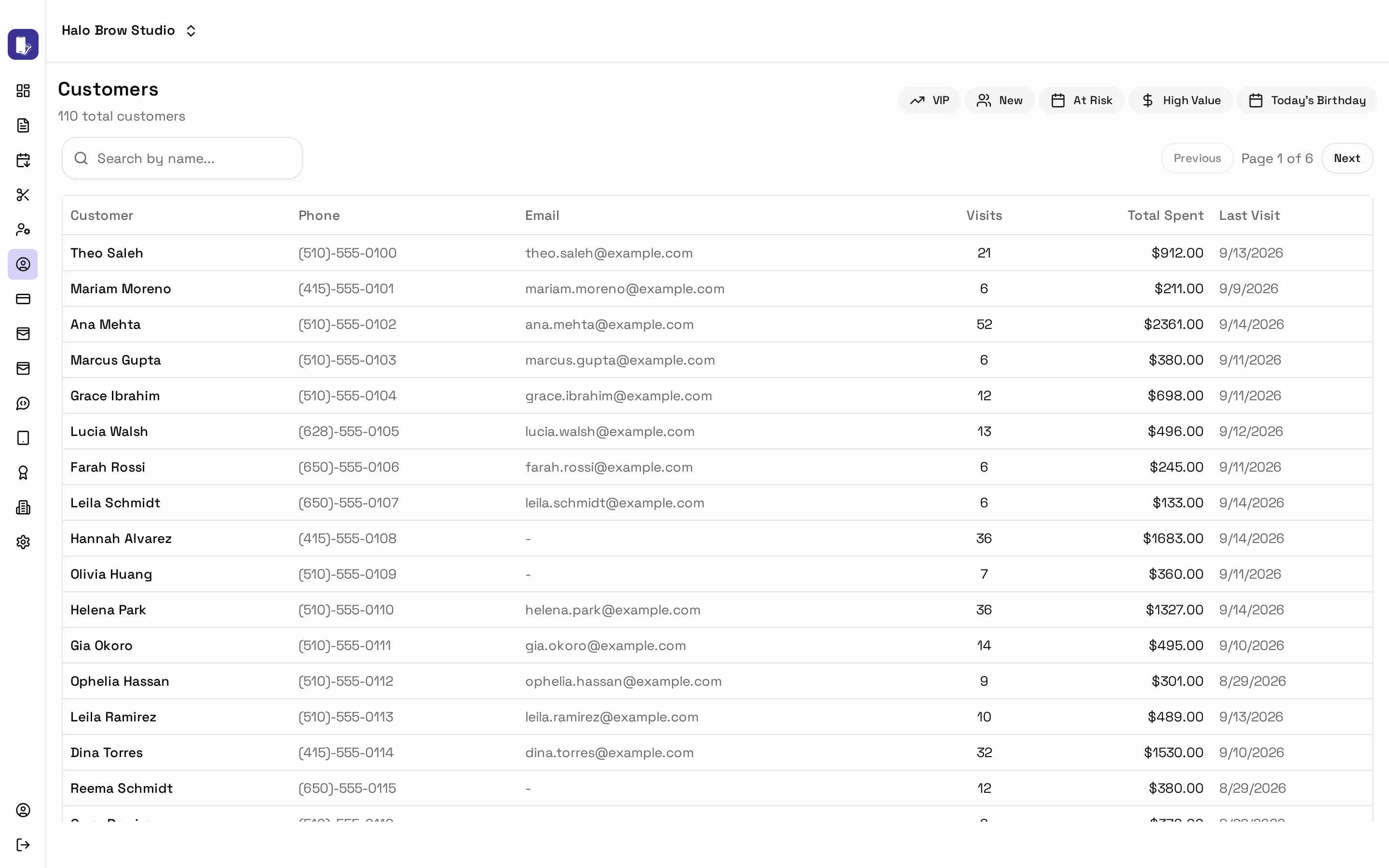
Customer in the sidebar is your client list. Clients are added automatically when they book or pay, so there’s nothing to type in.
Find the right clients fast
Section titled “Find the right clients fast”Quick filters along the top:
- VIP and High Value: your best clients
- New: first-timers worth a welcome
- At Risk: regulars who haven’t been back in a while
- Today’s Birthday
For more, build a filter like “visited 5+ times but not in 60 days” using conditions such as Visit Count, Days Since Visit and Total Spent.
A client’s profile
Section titled “A client’s profile”Click a client to see Total Spent, Visits, Avg / Visit and Churn Risk (how likely they are not to come back).
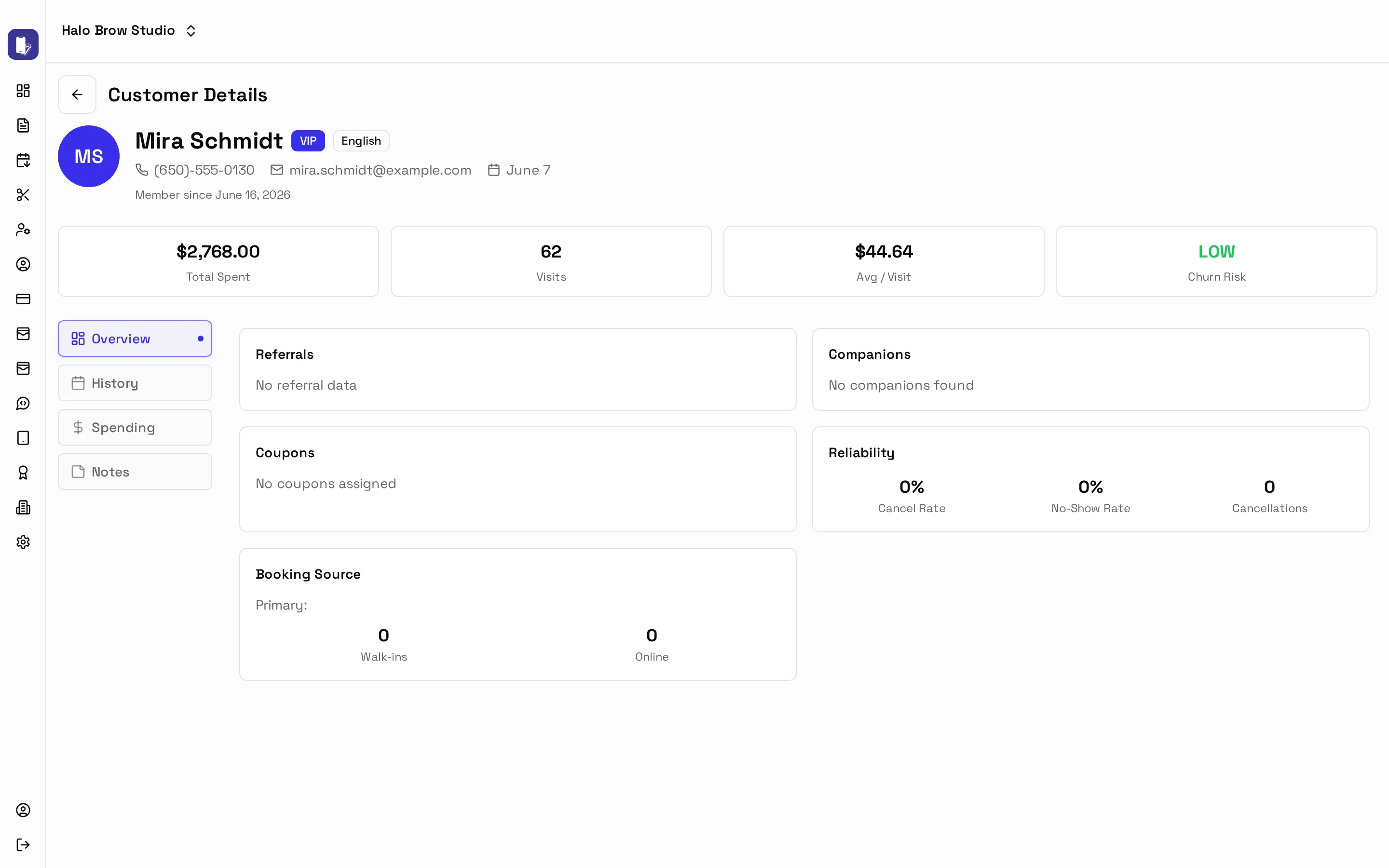
- History: every visit
- Spending: what they buy, how they pay, who they see
- Notes: press Add Note for allergies, colour formulas, preferences
Press Edit to update their phone, email, Birthday or Preferred Language.