
Make your first booking
यो पेज अझै नेपालीमा उपलब्ध छैन, त्यसैले अंग्रेजीमा देखाइएको छ।
A test booking proves everything is set up. If you can book it, your clients can too.
Open Bookings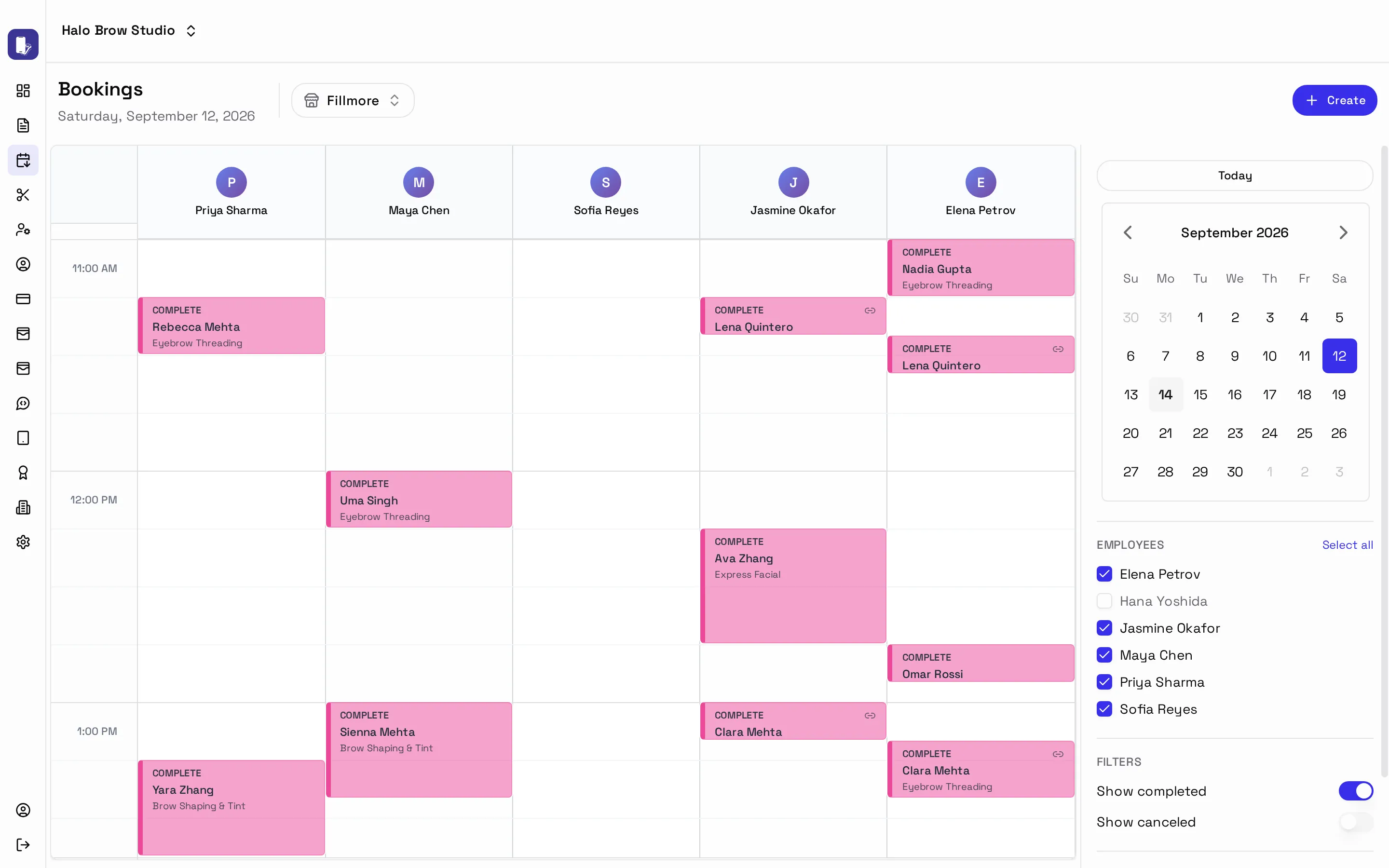
-
Go to Appointments → Bookings.
-
Press Create. This opens the same booking steps your clients see.
-
Choose a service, a staff member and a time, then enter the client’s details. Use your own phone number so you see the confirmation text arrive.
-
Finish the booking. It appears on the calendar in the person’s column.
Moving and changing bookings
Section titled “Moving and changing bookings”- Drag a booking to a new time or person. Drag its bottom edge to make it longer or shorter.
- You’ll be asked to Confirm, or Confirm & Notify to text the client about the change.
- Click a booking to open it, change services, add notes or cancel it.
More in The booking calendar.