Automatic texts (campaigns)
यो पेज अझै नेपालीमा उपलब्ध छैन, त्यसैले अंग्रेजीमा देखाइएको छ।
A campaign sends a text (and optionally a coupon) automatically when something happens: a first visit, a no-show, a birthday, a client who hasn’t been back.
Open Campaigns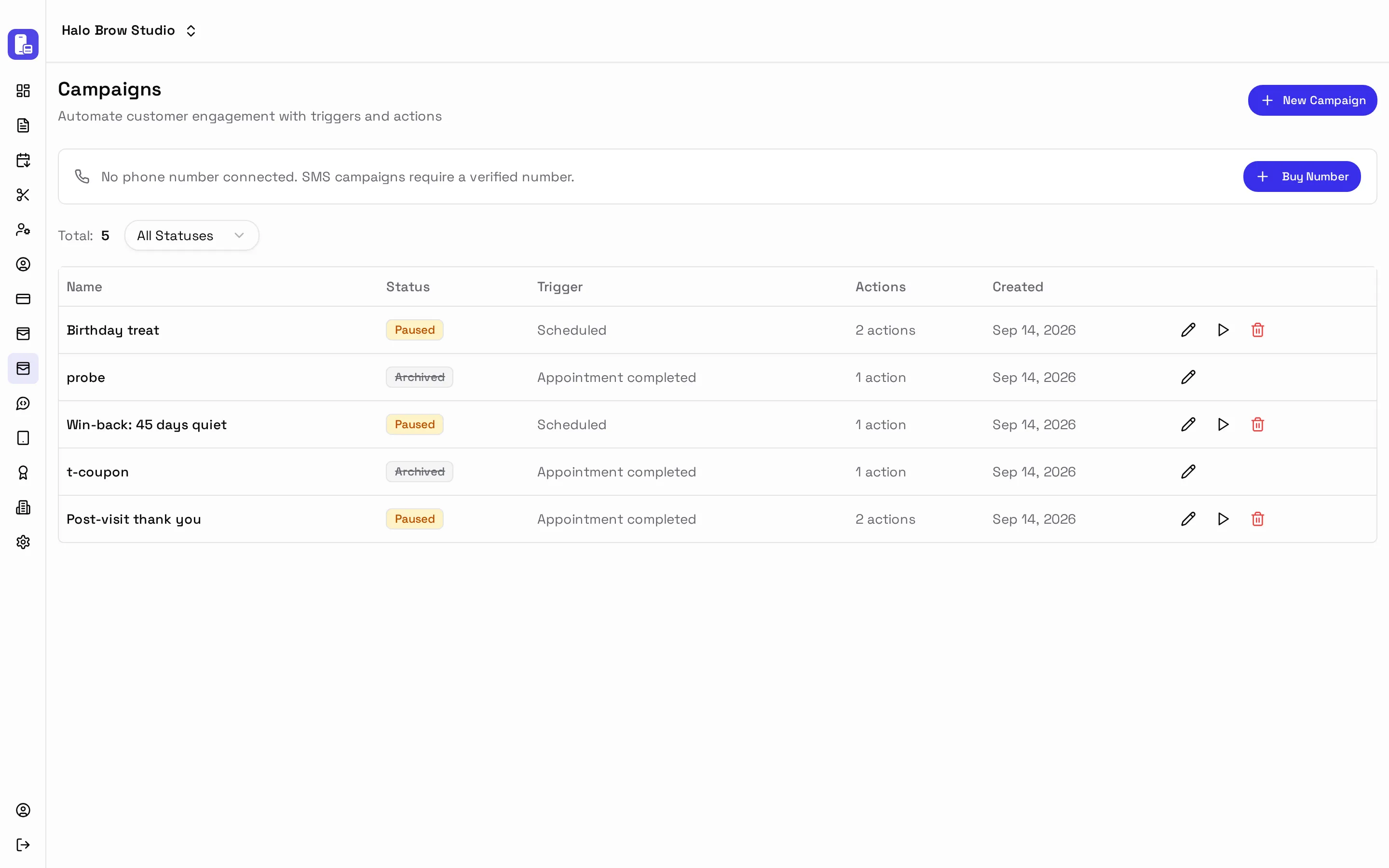
Start from a ready-made campaign
Section titled “Start from a ready-made campaign”Press New Campaign and pick one:
| Template | When it sends |
|---|---|
| First-visit welcome | After a new client’s first visit |
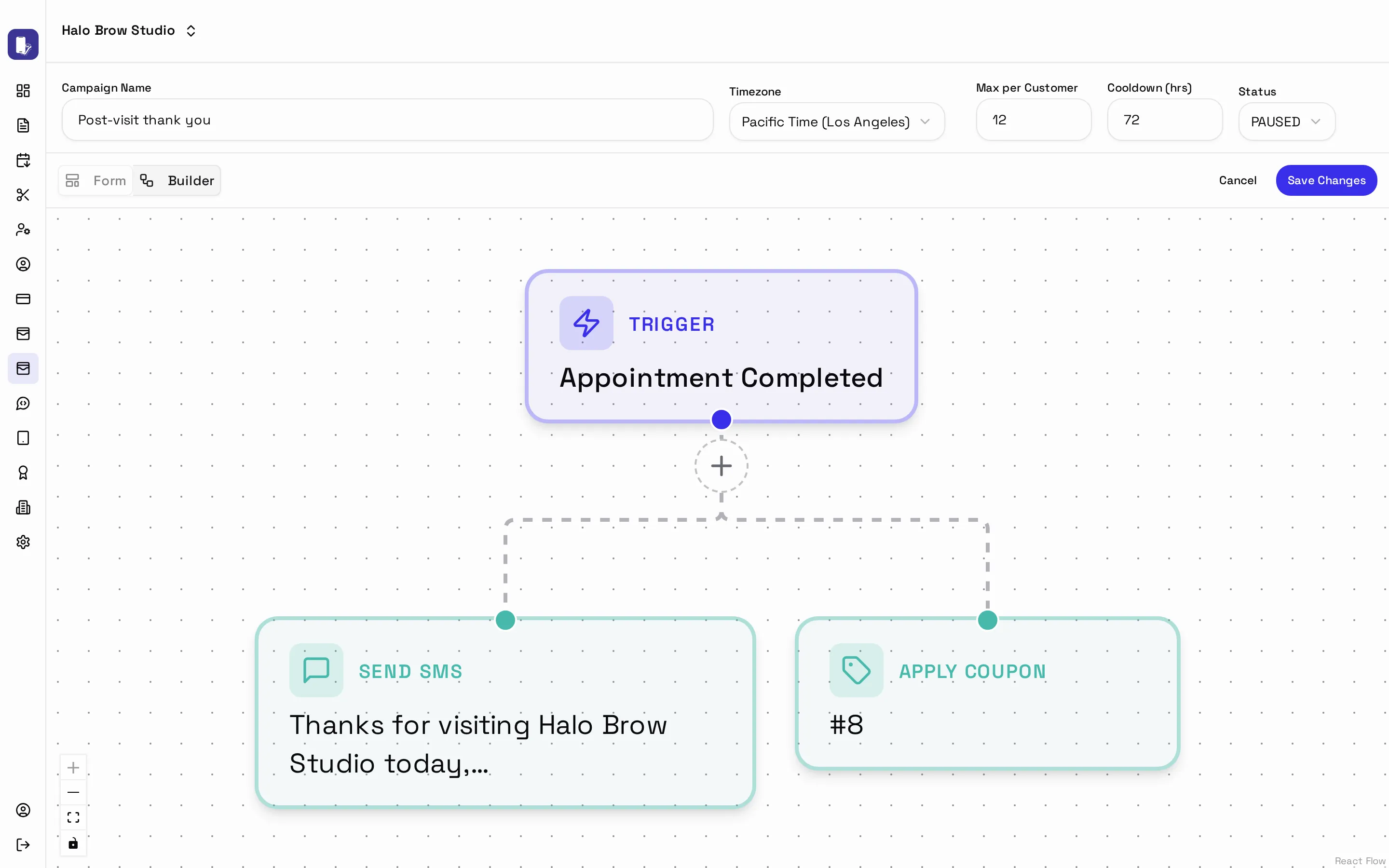
| Post-visit thank you | After every visit |
| Online booking confirmation | When someone books online |
| Cancellation save | When a client cancels, to invite them to rebook |
| No-show recovery | When a client doesn’t show up |
| Birthday greeting / Upcoming birthday promo | On or before their birthday |
| VIP milestone reward | When a client hits a visit milestone |
| Win-back lapsed customers | When a regular stops coming |
Check the message, then set Status to Active and save.
Build your own
Section titled “Build your own”Choose Or build your own. Every campaign has three parts:
- Trigger: when it starts: after something happens (booked, completed, canceled, no-show, paid), on a repeating schedule, or once on a set date.
- Conditions (optional): who it’s for, e.g. only clients with 3+ visits.
- Action: Send SMS, or Apply Coupon.
Messages can include the client’s details: {customer_name}, {appointment_date}, {staff_name} and a {booking_link} so they can rebook in one tap.